Progus Upsell AI
for Shopify
AI suggests products that go well together, based on your catalog and order history. Show them as offers on product pages, in the cart, in a pop-up and after checkout.
Free on the Shopify App Store
Upsell at every step of the purchase
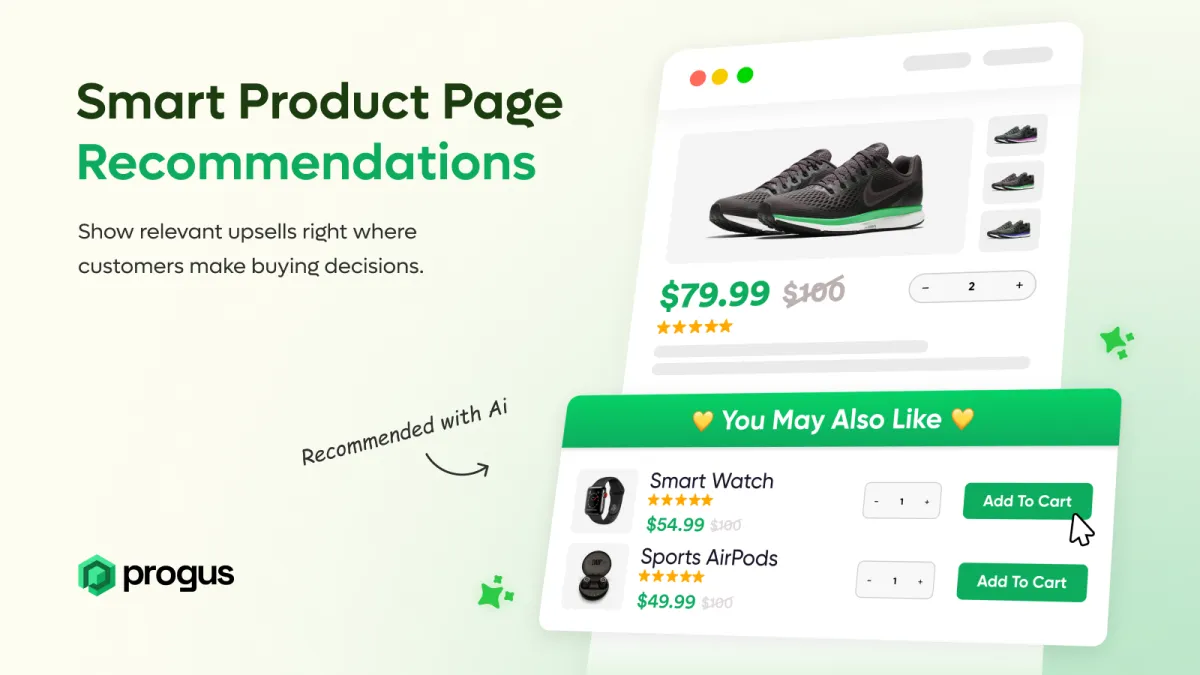
Product page
Show matching products next to the one the customer is looking at.
Cart and cart drawer
Suggest add-ons when the customer reviews the cart.
Add to cart pop-up
Show an offer right after a product is added to the cart. Off by default.
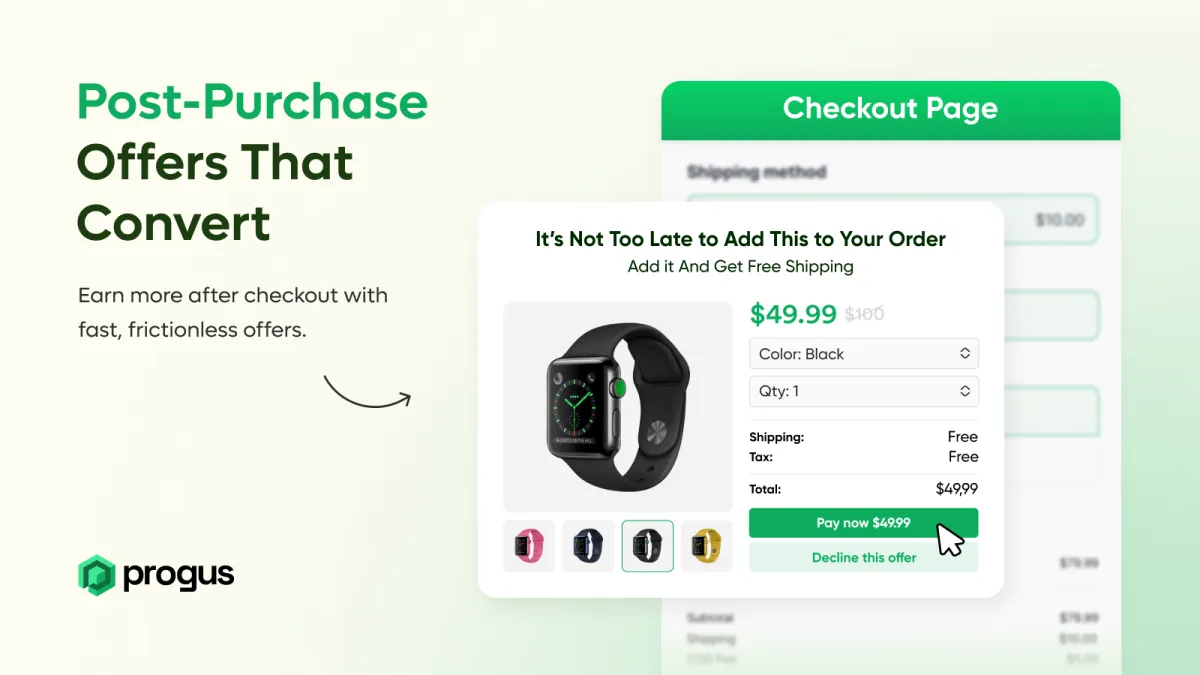
Post-purchase page
Offer one more product after payment. The customer adds it with one click.
Your first offer in three steps
Install the app
Add Progus Upsell AI to your store from the Shopify App Store.
Let AI pick the products
The app looks at what customers buy together and at your product data, then suggests matches. You can also pick products yourself.
Turn on your offers
Choose where offers show and set the text, colors and an optional discount in the visual editor. No code needed.
Everything you need to sell more per order
AI recommendations
Built from products bought together in your orders and from product type, vendor, tags and collections.
Manual control
Prefer your own picks? Choose the products for each offer by hand.
Optional discounts
Add a percentage or fixed amount discount to make the offer more attractive.
Visual editor
Change the heading, button text, colors and layout, and show 1 to 3 products.
Analytics
See impressions, conversions, upsell revenue and the top product pairs.
10 languages
Offers and the app are available in 10 languages, including English, German, French and Polish.
Questions about Progus Upsell AI
Progus Upsell AI is free. It is listed with a Free plan on the Shopify App Store.
On product pages, on the cart page and in the cart drawer, in a pop-up after Add to cart, and on the post-purchase page after checkout.
It looks at products that customers buy together in your orders and at product type, vendor, tags and collections. Stores with few orders get suggestions based on product data.
Yes. Each offer can use AI picks or products you select by hand.
Yes. You can set no discount, a percentage discount or a fixed amount. The discount is applied automatically.
No. You turn the app on in the Shopify theme editor and set up offers in the visual editor. It works with any Shopify theme.
English, French, German, Czech, Spanish, Italian, Polish, Swedish, Dutch and Portuguese.