




How do I add a store locator to WordPress?
Install the Progus WordPress plugin and publish your map with Progus. You can launch quickly and keep all locations managed in one place.
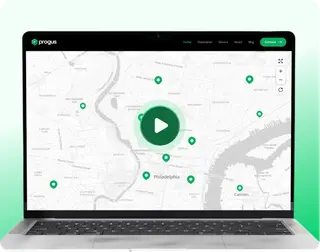

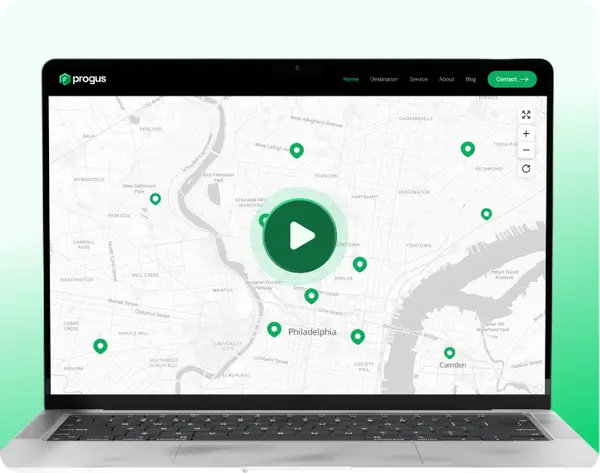

Download our Store Locator plugin and install it on your site.
Download Plugin
Activate the plugin in your WordPress dashboard, open plugin settings page and connect with Progus.

Use the simple shortcode on any page or post to display your store locator:
[progus_store_locator]
Google charges per map view and API call. Progus: flat monthly pricing, no Google setup.
| Criteria | Progus Store Locator | Google Maps |
|---|---|---|
| Billing | Monthly plans by tier (from $3.99/mo) | Pay per use (Maps, Places, Geocoding, etc.) |
| Monthly cost | From $0; fixed price as traffic grows | Usage-based; rises with traffic |
| Map loads | Included in plan; no per-load fee | ~$7 / 1k loads (see Google pricing) |
| Setup | No Google API key or billing | API keys, GCP billing, quotas |
Illustrative comparison. Google pricing varies by enabled products and traffic volume. Always verify current rates in Google’s official pricing. Google Maps Platform pricing
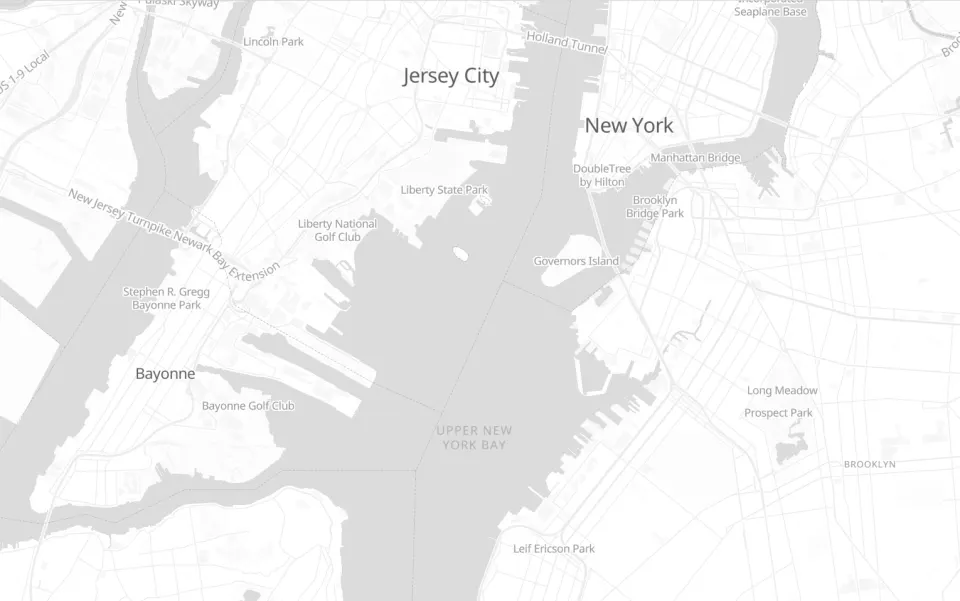
 only @progus. We're the only store locator offering our own premium vector maps, and every user gets them at no extra cost.


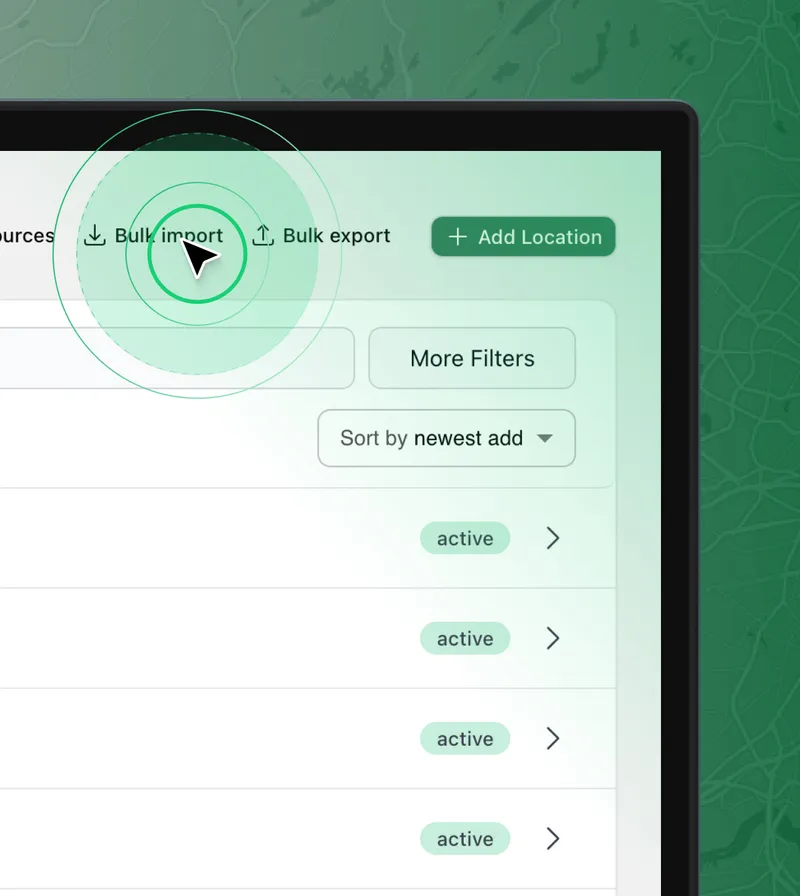

CSV, Excel and Numbers support.

Automatic coordinates from addresses.

No need to reorganize your data.

Real-time two-way synchronization.
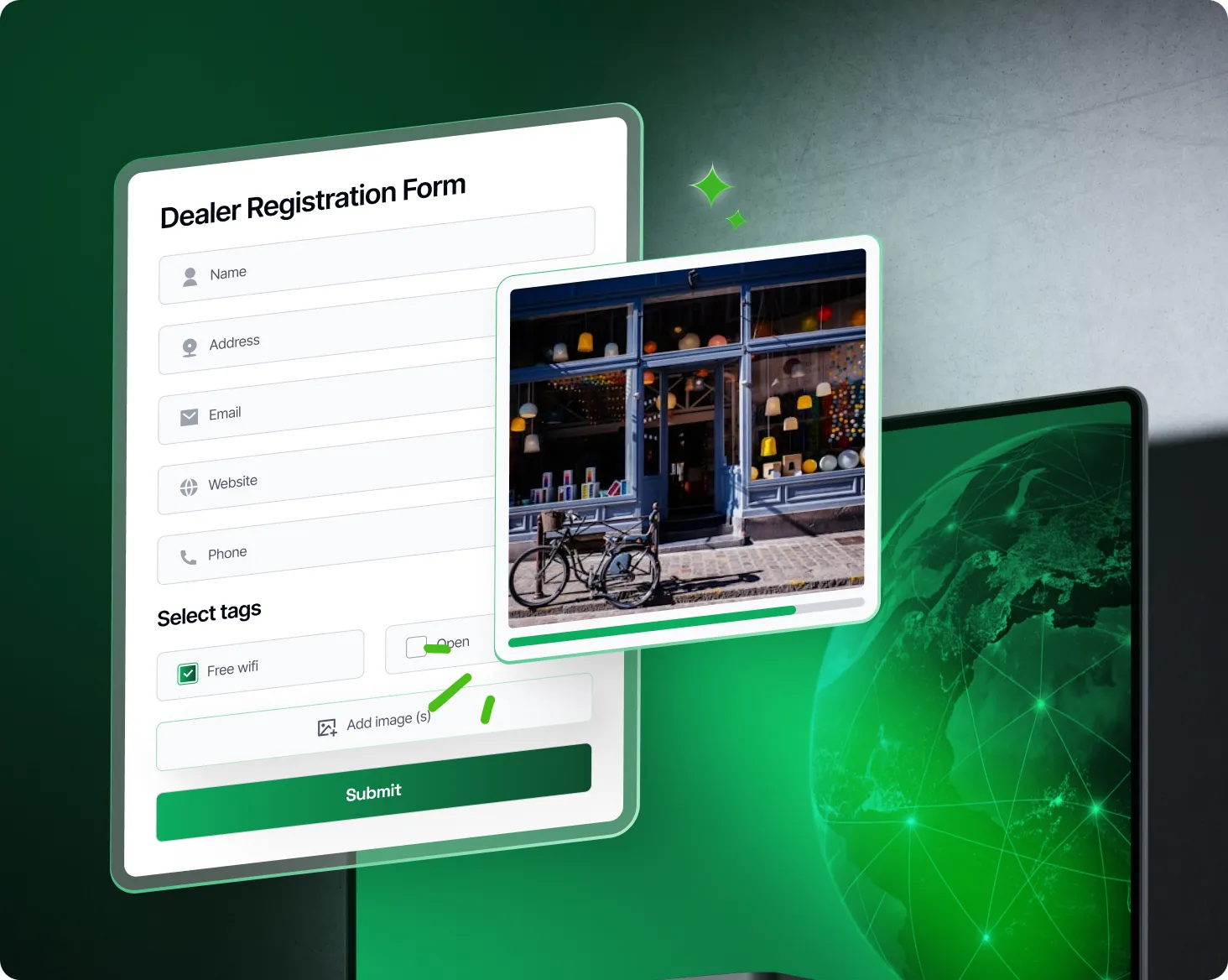

Add the dealer form embed code to your website

Send the form link to your dealers and partners

You'll receive email alerts about new submissions

After approval, new location appears on the map
FREE
$0 /month
Up to 1 location


STANDARD
$19.99 /month
Up to 500 locations
PREMIUM
$29.99 /month
Up to 2000 locations
BUSINESS
$49.99 /month
Up to 5000 locations
PRO
$89.99 /month
Up to 10 000 locations
CORPORATE
$169.99 /month
Up to 20 000 locations
Install the Progus WordPress plugin and publish your map with Progus. You can launch quickly and keep all locations managed in one place.
No. Progus Store Locator works without requiring you to set up a Google Maps API key.
Yes. You can import locations in bulk, organize data, and scale from small lists to enterprise-level catalogs.